IT Requests
Important: Please note that our software only works on Windows. It is not compatible with macOS or Linux.
For details about our services, select one from the list below or go directly to the booking button if you are already familiar with how we operate:
- Technical support
- Regular software installation
- Software relocation to a new computer (PC upgrade)
- Network software installation
- Terminal Server (T.S.) version installation
Technical Support
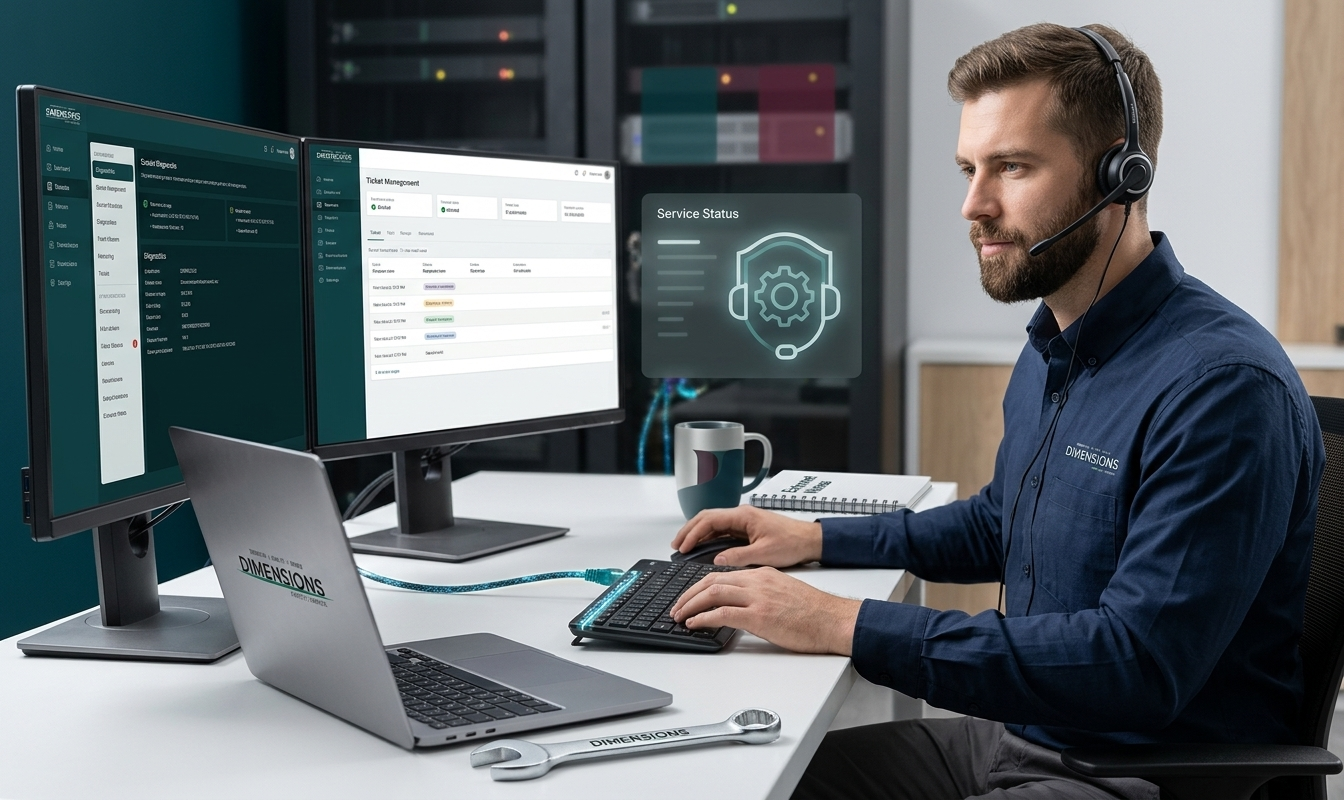
You can book a technician if you are experiencing a computer issue (error code, software crashing, etc.). Choose the “Technical Support” service when booking your appointment.
For any urgent technical support (requiring assistance in less than 24 hours), please contact us directly by phone at (450) 430-4486 or 1-800-567-4466.
Regular Installation
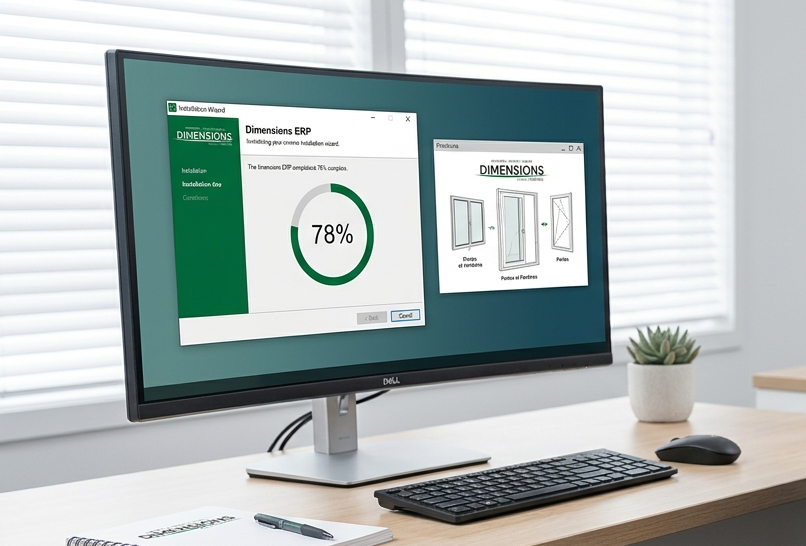
Dimensions Windows and Doors offers its clients a free product quoting and ordering software for your computers.
The Dimensions Estimator allows you to create quotes and place orders directly from your computers, and then send them to us via Internet or fax. During installation, no other third-party software is installed, and no personal data from your computer is modified or retrieved. The program never modifies or damages files or software already present on your system.
Dimensions Windows and Doors will not modify your antivirus configuration either. Since this tool is outside our scope, we cannot make modifications to it if it interferes with the use of our software
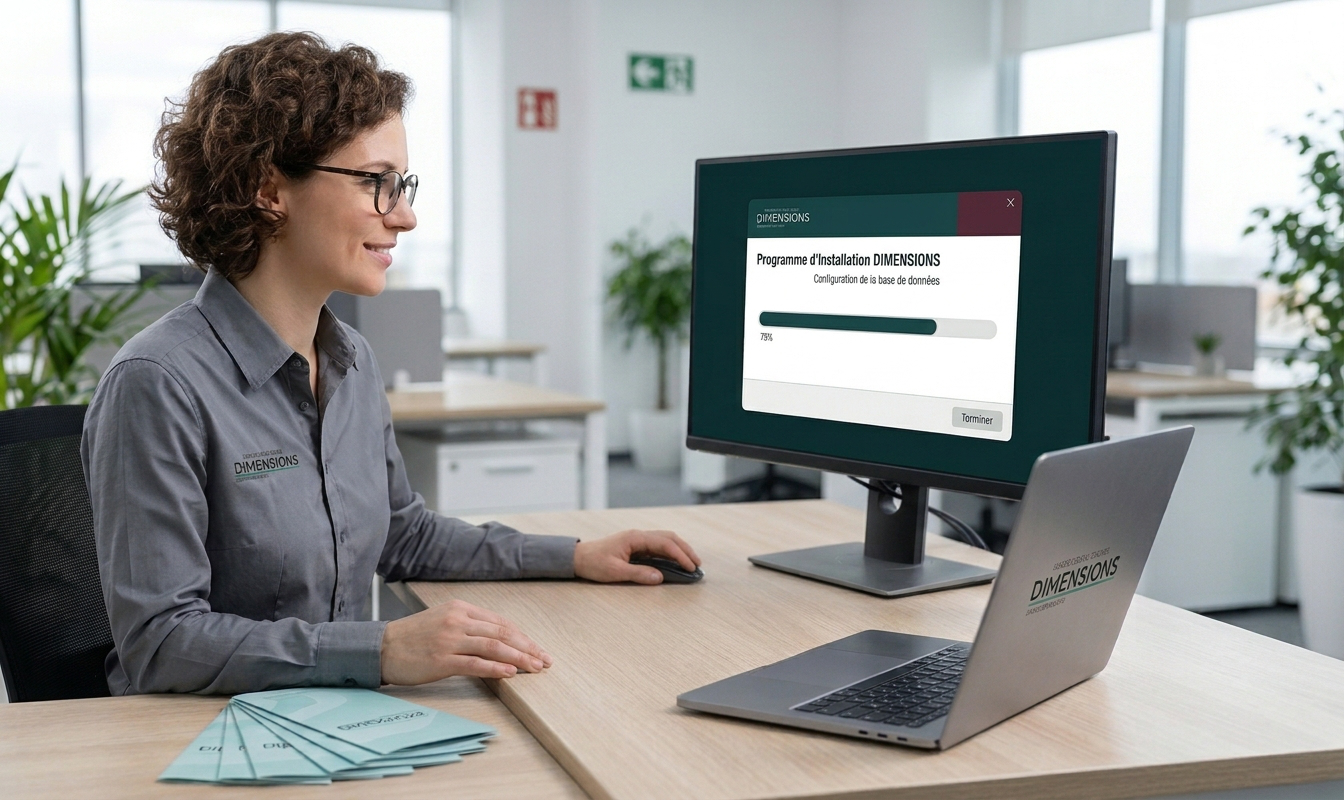
Installation is done remotely and by appointment only. To request it, please fill out the booking form and select the “Regular Installation” service.
Changing Computers / Software Relocation
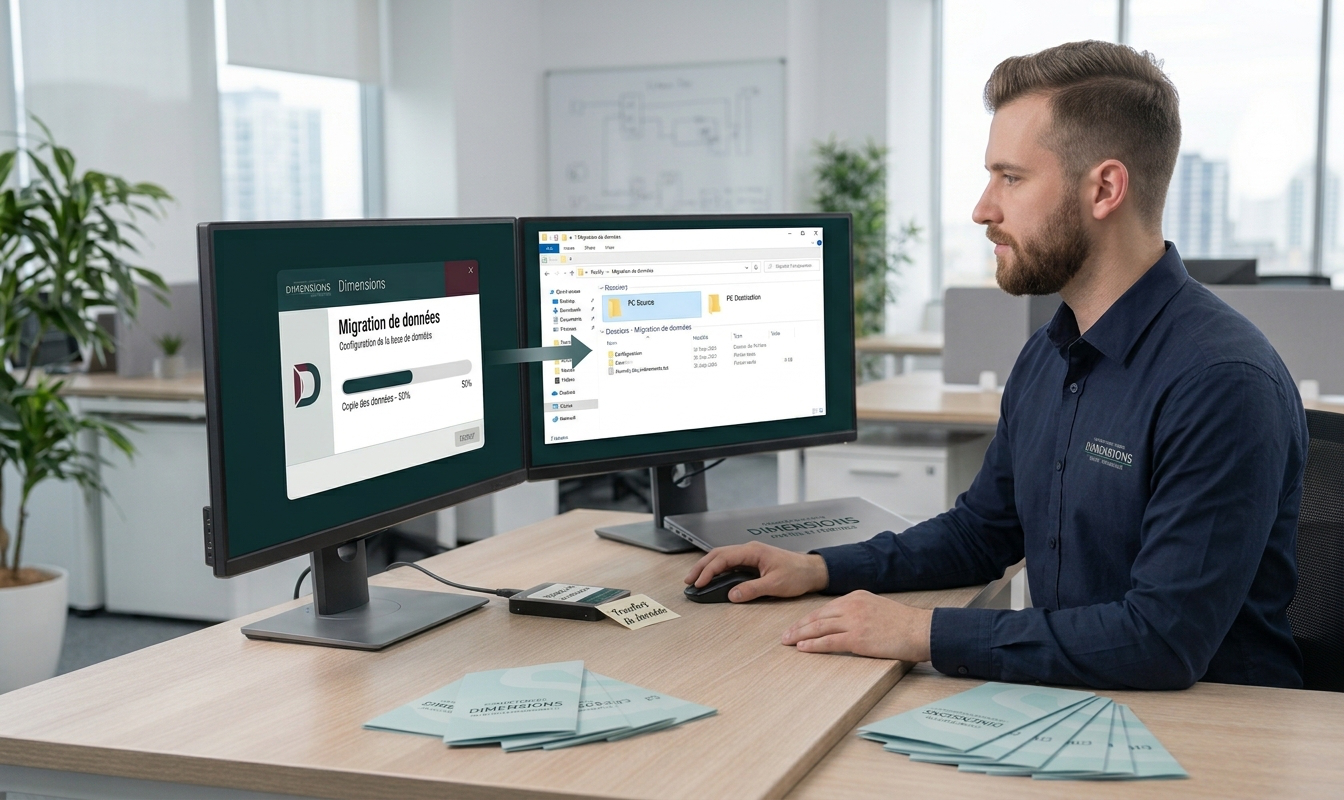
If you already use our software and wish to move it to a new computer, we can help you do so. If you feel comfortable copying files, we can also send you an easy-to-follow procedure to do it yourself.
Simply select the “Software Transfer or Relocation” service when booking your appointment.
Network Installation
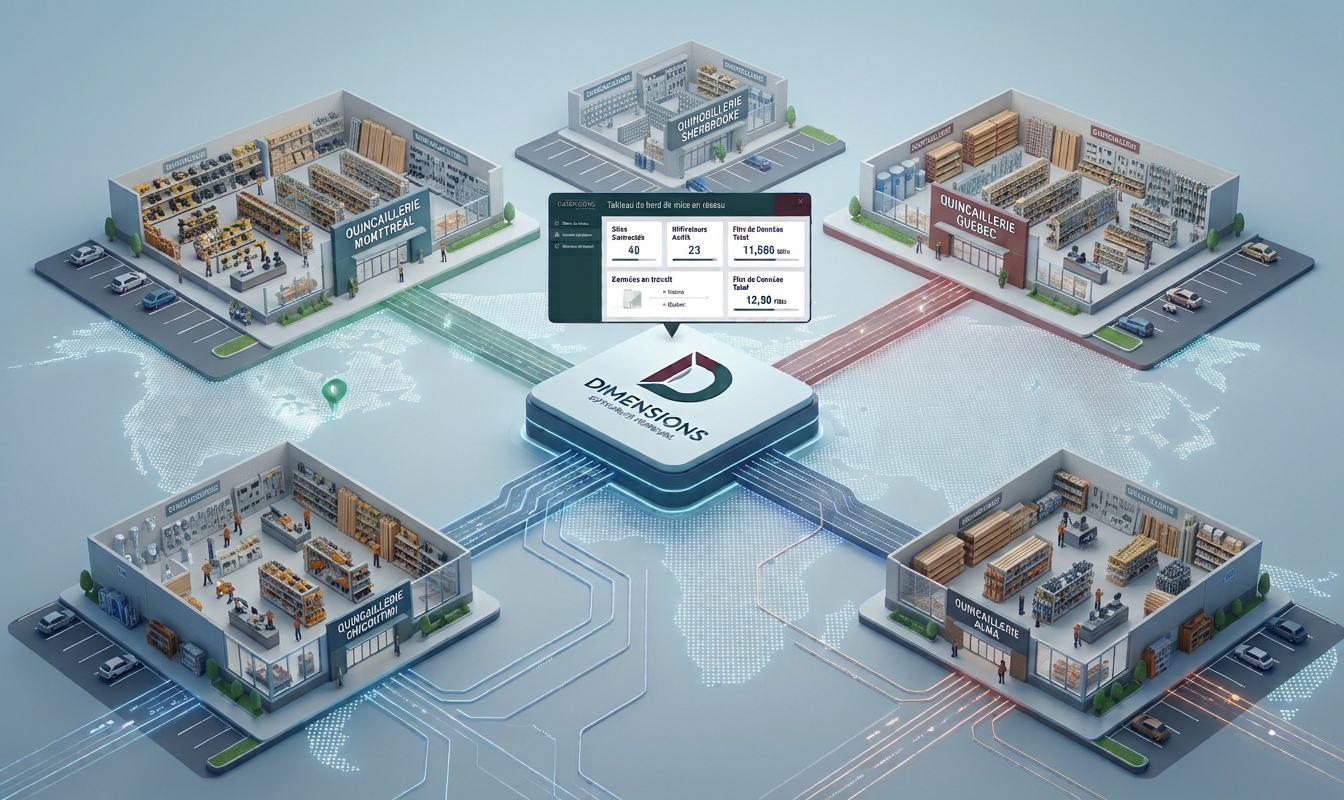
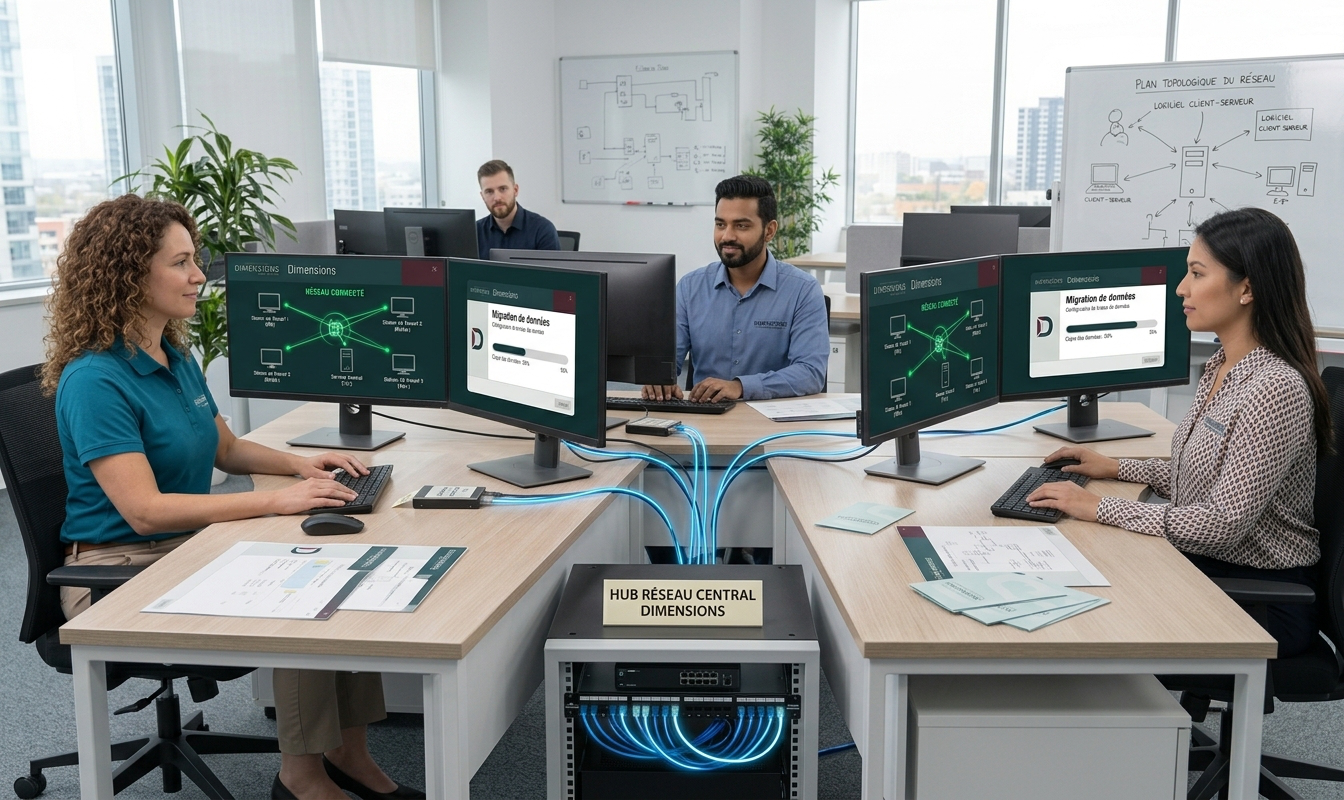
Dimensions Portes et Fenêtres offers to install its Estimator software in a network environment for its clients. This type of installation allows you to centralize your quotes so they are accessible from any workstation equipped with the software, while giving users the flexibility to work from any workstation running our program.
Prerequisites
- Your computers must already be connected to a network.
- Your IT department must configure a common network drive (for example, a
Z:drive or any other letter) that is identical on all workstations and points to the same location on your network. (If you are not sure how to do this, your IT department can assist you). This must be done before our intervention, as we cannot modify your internal IT infrastructure. - Please list all your users and their passwords so we can centralize them during this installation. This will be required in your online request anyway.
IMPORTANT NOTE: If you wish to connect other stores or branches (via a VPN network), please note that we cannot guarantee the stability and speed of the software if all your Internet links do not have a minimum speed of 50 Mbps.
You can request this by selecting the “Network Installation” service in the booking form.
Terminal Server Version (T.S.)
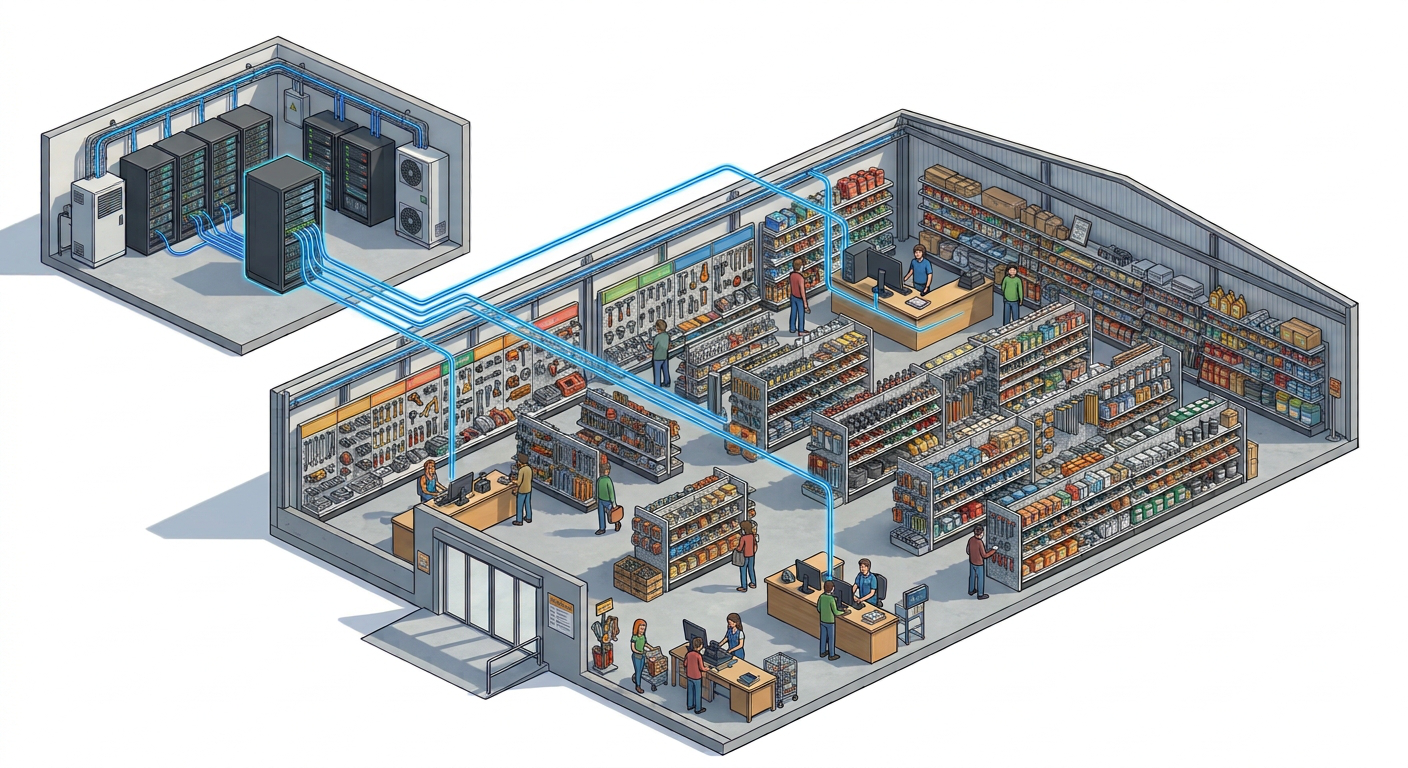
Installing our software for Terminal Servers is completely different from a regular or network installation. It is a version specially adapted for remote RDP (Remote Desktop) connections.
For this type of installation, you must go through your IT department first. We will perform the installation in collaboration with them, as it requires access to your company servers.
If you are part of the client’s IT department, you can contact us directly via this contact page. Don’t forget to select the IT department when submitting your request.